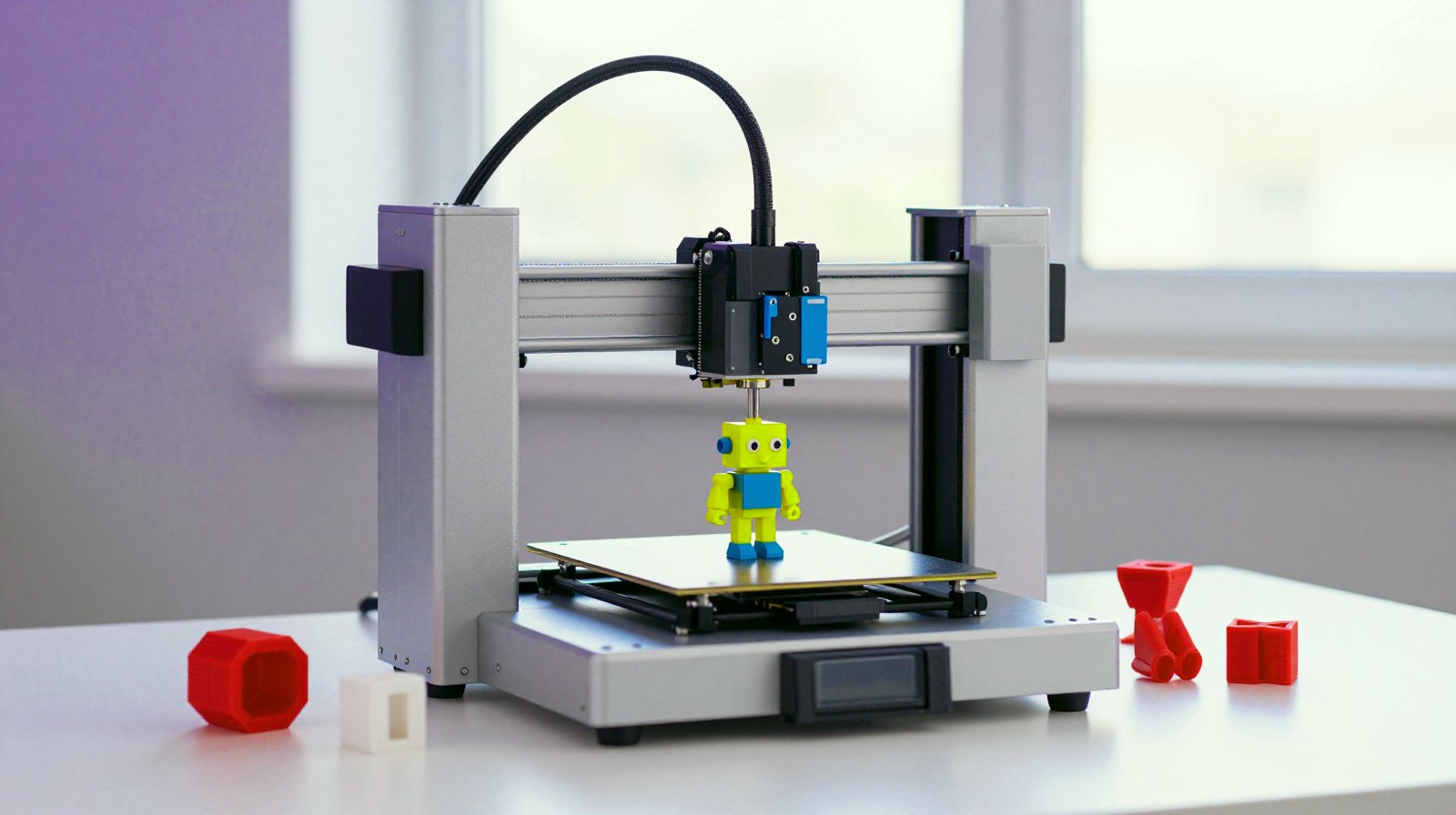
Can ChatGPT make a 3D model you can actually print? Yes, but there are two very different ways to get there, and picking the right one saves hours. One way asks an AI chatbot to write the model as code. The other asks an AI generator to sculpt a 3D shape from a picture or a sentence. Here is how each works in 2026, what each is good at, and how to turn the result into a clean print.
Route 1: ChatGPT writes the model as code
Chatbots like ChatGPT don’t draw in 3D, but they write code very well. That’s a perfect match for OpenSCAD, a free program in which every model is a short text script: “a box this big, minus a hole here”. OpenSCAD then shows a 3D preview and exports the part as an STL or 3MF file, the formats your slicer and printer understand. It is free, open source and runs on Windows, macOS and Linux.
The loop is simple:
- Describe the part with real measurements, for example: “Write OpenSCAD code for a wall hook, 40 mm wide, 3 mm thick, with two 4 mm screw holes 25 mm apart.”
- Paste the code into OpenSCAD and press render.
- Ask for changes in plain words (“make the arm 5 mm longer”, “round the corners”) and paste the new version.
- Export the STL or 3MF and open it in your slicer.
The same trick works with Blender, the free 3D studio: ChatGPT can write Python scripts that build or change objects automatically, which is handy for repetitive jobs.
What works, and what doesn’t
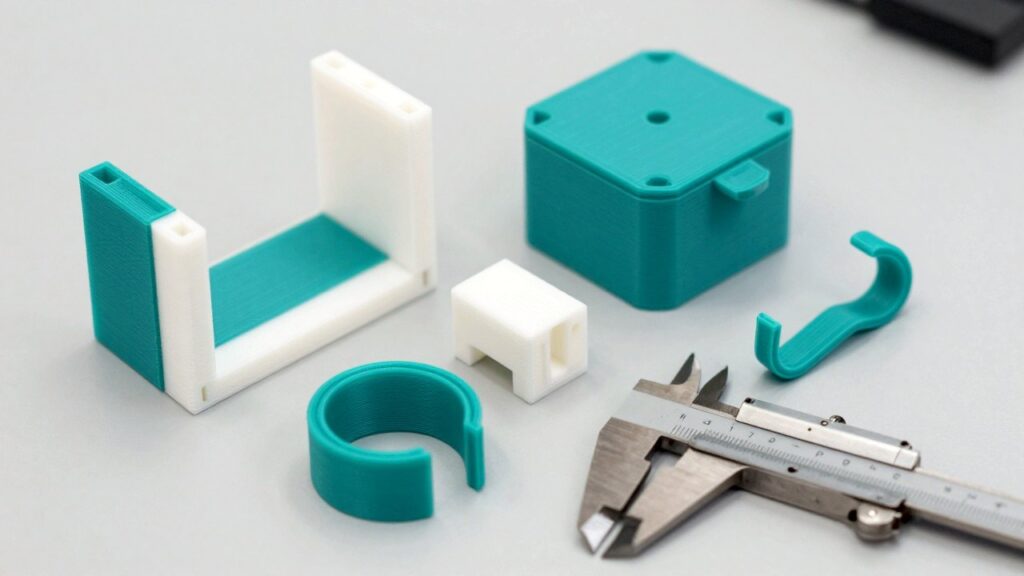
This route shines for simple functional parts: brackets, boxes, adapters, hooks, cable clips and spacers, where exact sizes matter. It struggles with curvy, organic shapes. In a test by the printer maker Raise3D, ChatGPT failed to model a hydrogen atom and needed several rounds of fixes for a double helix, but after some tweaking it produced a printable T-shaped jig with a round hole. The tester’s verdict: very useful for spotting mistakes in code, still in its early days for complete beginners.
Newer AI coding assistants go further. In an August 2026 write-up, a Japanese developer had Claude Code write the OpenSCAD file, render a preview image, check it and fix problems on its own before exporting the STL for a replacement shelf hook. The human still measured the original with calipers and did the printing, and the real world had the last word: the first design looked nothing like the original, holes printed about 0.2 mm smaller than drawn, and turning the part on its side for printing changed how much clearance the screw holes needed.
The lesson: give exact measurements, check the preview yourself, and print a small test first.
Route 2: AI generators sculpt a model from an image or text
For figurines, game pieces, decorations or quick concept models, AI 3D generators are far faster. You upload a photo or type a description and get a textured 3D mesh in seconds or minutes.
- Online services such as Meshy and Tripo run in the browser and can export STL (Tripo also 3MF). Their free tiers come with monthly credits and are for non-commercial use, according to a 2026 guide by 3DPrinting.com. Rodin (Hyper3D) is another popular option.
- Open models you can run yourself need a powerful graphics card. Microsoft’s TRELLIS.2 turns a single image into a detailed 3D model with realistic materials; it is released under the MIT licence but needs an NVIDIA GPU with at least 24 GB of memory and has only been tested on Linux. Tencent’s Hunyuan3D 2.1, released in June 2025, needs around 29 GB of graphics memory for shape and texture together. Note for European readers: its licence states it does not apply in the European Union, the United Kingdom or South Korea.
These tools are built to make models look good, which is not the same as being solid enough to print. Microsoft itself notes that TRELLIS.2’s raw meshes may have small holes, and 3DPrinting.com’s verdict is that almost none of these generators give you a print-ready file straight away.
From AI model to clean print: a five-minute checklist
- Make it watertight. A printable model must be a closed solid with no holes or loose edges (“manifold”). Blender’s free 3D Print Toolbox extension checks for bad geometry and fixes it with Make Manifold; most slicers also have an automatic repair option.
- Set the real size. Generated models often arrive at a random scale. Decide the size in millimetres before slicing.
- Check the walls. Very thin details snap or don’t print. The toolbox can also hollow a model with an even wall thickness to save plastic.
- Give it a flat base and look for floating pieces that would print in mid-air.
- Print a small test before the full-size model.
Which route should you use?
| You want… | Best route | Why |
|---|---|---|
| A bracket, box, adapter or hook that must fit | ChatGPT + OpenSCAD | Exact measurements, easy to adjust |
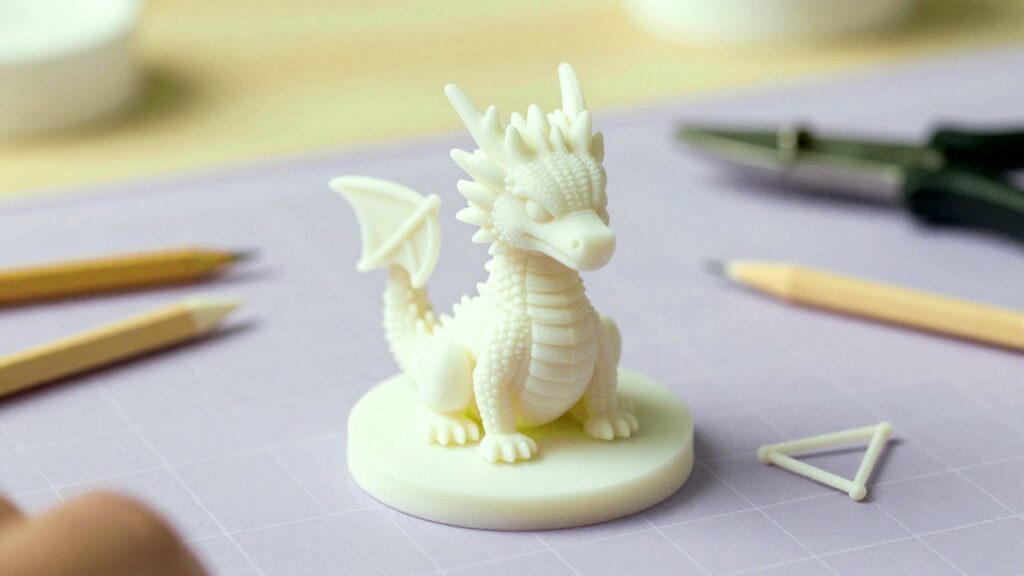
| A figurine, toy or decoration | Image- or text-to-3D generator | Organic shapes in minutes |
| To fix or change an existing model | Blender (with ChatGPT-written scripts if useful) | Full control over the mesh |
One last tip: if you plan to sell prints, read the licence of every tool first. Free tiers of online generators are usually non-commercial, and some open models restrict where or how they can be used.
Read next
- Build your own AI gadget: Meta’s Muse kit for ESP32 and Raspberry Pi
- Arduino Ventuno Q: the board that gives robots eyes and a brain
- What are AI TOPS? The number on every new laptop, explained
The week's best tech stories, free
One email a week with the stories that matter, explained simply. No spam.
Sources
- OpenSCAD – The Programmers Solid 3D CAD Modeller – OpenSCAD project
- OpenSCAD – Wikipedia
- ChatGPT: How the language-learning AI can assist in the creation of 3D printing design models – Raise3D
- A replacement bag hook designed with Claude Code and OpenSCAD (Wataru Takasato) – Classmethod DevelopersIO, 11 August 2026
- Best AI 3D Model Generators for 3D Printing (2026) – 3DPrinting.com, reviewed 22 May 2026
- TRELLIS.2-4B model card – Microsoft on Hugging Face
- TRELLIS.2 – Microsoft on GitHub
- Hunyuan3D-2.1 and its licence – Tencent Hunyuan on GitHub, June 2025
- 3D Print Toolbox – Blender Extensions