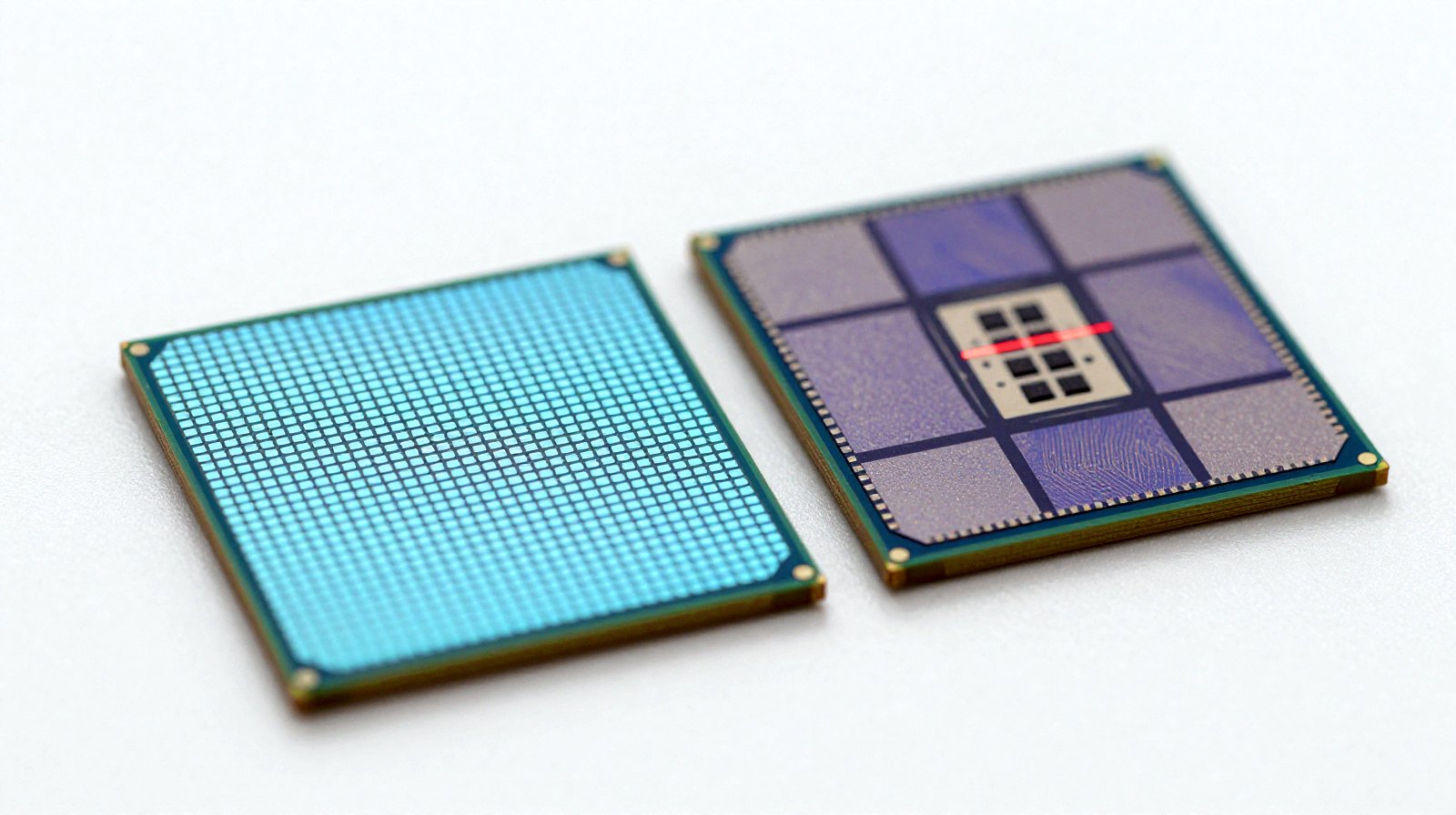
For forty years, “a PC” meant a computer with an x86 processor from Intel or AMD inside. In 2026 that is no longer a safe assumption. Every Mac now runs on Arm, Windows laptops with Arm chips are on the shelves next to Intel and AMD models, and the biggest cloud companies are filling their data centres with Arm servers they design themselves. So what is the real difference between Arm and x86, and does it matter when you buy your next computer? Here is the plain-English version.
First, what is an “architecture”?
A processor’s architecture, or more precisely its instruction set architecture (ISA), is the list of basic commands the chip understands: add these numbers, fetch that from memory, jump to this part of the program. Think of it as the chip’s native language. Software is translated into that language before it runs, which is why an app built for one architecture will not run directly on the other.
- x86 grew out of Intel’s 8086 processor from 1978. Today only Intel and AMD make mainstream x86 chips.
- Arm started in Britain in the 1980s at Acorn Computers; the first ARM processor, ARM1, was completed in 1985. Arm does not sell chips: it licenses its designs and instruction set to companies such as Apple, Qualcomm, Samsung, Nvidia, Amazon, Google and Microsoft, who build their own.
That business model is the biggest practical difference of all. With x86 you choose between two suppliers. With Arm, anyone with a licence and a good design team can build a chip tuned to exactly what they need.
CISC vs RISC: the old story, and why it is now fuzzy
Textbooks describe x86 as CISC (complex instruction set computing: many powerful, variable-length instructions) and Arm as RISC (reduced instruction set computing: fewer, simpler, fixed-length instructions that are easy to process quickly). The classic conclusion was that RISC chips sip power and CISC chips deliver raw speed.
In practice the line has blurred. Modern x86 chips break their complex instructions into simple internal steps, much like a RISC chip, and Arm has added plenty of powerful instructions of its own. Today, how efficient a chip is depends at least as much on the design team, the manufacturing process (3 nm, 2 nm and so on) and how well the software is optimised as on the instruction set itself. If you want the factory side of that story, see our piece on 2 nm chips.
Where things stand in 2026
Macs: the switch is complete
Apple moved the Mac from Intel to its own Arm-based chips starting in 2020. It has now set the end of the road for Intel Macs: macOS Tahoe 26 is the last version that supports Intel-based Macs, which will still get security updates for about three more years. Rosetta 2, the translator that lets Intel apps run on Apple chips, stays available as a general tool through macOS 27; from macOS 28 only a limited version remains, mainly for older games, according to TechRepublic and MacRumors. Since macOS Tahoe 26.4, apps that rely on Rosetta show a warning.
Windows: Arm laptops get serious
Qualcomm’s Snapdragon X2 Elite family, unveiled in September 2025 and built on TSMC’s 3 nm process, offers up to 18 cores and, in its top model, reaches 5 GHz on up to two cores, which Qualcomm says is a first for an Arm chip, as reported by Phoronix and PCWorld. Qualcomm claims 31 % more performance than the previous generation at the same power. Those are the company’s figures; independent reviews are the place to check real-world results.
Windows on Arm runs most older x86 programs through Microsoft’s built-in translator, called Prism. Games are the known weak spot: Qualcomm says more than 90 % of the most-played Windows games will run on X2 laptops, but Windows Central notes continuing problems, especially with anti-cheat software. And in sales, x86 is still far ahead: The Register, citing IDC, reported Qualcomm at well under 1 % of commercial PCs from late 2024 to late 2025.
x86 fights back together
Intel and AMD, rivals for decades, formed the x86 Ecosystem Advisory Group in October 2024 to keep x86 consistent and modern. At its first anniversary in October 2025 the two companies announced shared features: FRED (a modernised way for the chip to handle interrupts), AVX10 (the next generation of vector instructions for heavy maths), ACE (common matrix instructions for AI work) and ChkTag (memory tagging to catch bugs such as buffer overflows), according to AMD and Phoronix. Features like these usually take a few years to appear in shipping processors.
Data centres: Arm’s quiet takeover
The biggest shift is one you never see. Amazon (Graviton), Google (Axion) and Microsoft (Cobalt) all design their own Arm-based server chips. Arm says close to half of the compute shipped to the top cloud companies in 2025 would be Arm-based, a figure reported by TelecomTV from Arm’s own forecast. Treat it as the company’s projection, not an independent count. Arm itself stayed independent: Nvidia’s planned 40-billion-dollar purchase of Arm was called off in February 2022 because of regulatory challenges.
Arm vs x86 at a glance
| Arm | x86 | |
|---|---|---|
| Who makes the chips | Many companies under licence (Apple, Qualcomm, Nvidia, Amazon, Google, Microsoft…) | Intel and AMD |
| Design style | RISC: simpler, fixed-length instructions | CISC: complex instructions, decoded into simpler steps inside |
| Where it dominates | Phones, tablets, Macs, a fast-growing share of cloud servers | Windows desktops and most Windows laptops, gaming PCs, many servers |
| Software | Native apps keep growing; older x86 apps run through translators (Prism, Rosetta) | Runs decades of Windows software and games natively |
| Typical strength | Battery life and efficiency in thin laptops | Compatibility, gaming, specialised and legacy software |
So which should you buy?
- Mostly browser, office apps, video calls and long battery life? An Arm laptop (a Mac, or a Windows laptop with a Snapdragon chip) is a strong choice. Check that the few apps you depend on have native Arm versions.
- Serious PC gaming, specialised hardware or older business software? x86 is still the safer bet on Windows, especially for games with anti-cheat systems and for drivers for older printers, scanners or lab equipment.
- Developer or tinkerer? Both work well for most languages, but check your tools, containers and virtual machines first.
Whichever you choose, look past the logo on the box: the chip generation, the amount of memory and independent battery and performance tests matter more than the instruction set. And if a laptop advertises AI features, our explainer on AI TOPS tells you what that number does and doesn’t mean.
What happens next
Watch three things: how quickly the remaining Windows apps and games go native on Arm, whether the shared x86 features from Intel and AMD reach shipping chips, and how far Arm’s share of cloud servers climbs. The “x86 vs Arm” fight is no longer about which one wins; it is about both getting better because the other one exists.
Read next
- What are AI TOPS? The number on every new laptop, explained
- What is a Googlebook? Google’s new Android laptops explained
- Nvidia RTX Spark: laptops that run big AI models offline
The week's best tech stories, free
One email a week with the stories that matter, explained simply. No spam.
Sources
- Apple begins Rosetta’s final phase as Intel Mac era winds down – TechRepublic, 2025
- macOS Tahoe 26.4 displays warnings for apps that won’t work after Rosetta 2 support ends – MacRumors, 16 February 2026
- Qualcomm announces X2 Elite SoCs – up to 18 cores and up to 5.0 GHz boost – Phoronix, 24 September 2025
- Next-gen Snapdragon X2 Elite brings more cores and juggernaut AI to PCs – PCWorld, September 2025
- Qualcomm claims 90 percent of top Windows games will run on Snapdragon X2 laptops – Windows Central, 2026
- Qualcomm is determined to cut a slice out of Intel’s PC pie – The Register, 5 January 2026
- AMD and Intel celebrate first anniversary of x86 Ecosystem Advisory Group – AMD, 13 October 2025
- AMD and Intel mark x86 Ecosystem Advisory Group’s anniversary: FRED, ACE, AVX10, ChkTag – Phoronix, 13 October 2025
- Half of compute shipped to top hyperscalers in 2025 will be Arm-based – Arm Newsroom, 2025
- Half of the compute shipped to top hyperscalers in 2025 will be based on Arm – TelecomTV, 2025
- NVIDIA and SoftBank Group announce termination of NVIDIA’s acquisition of Arm Limited – SoftBank Group, 8 February 2022
- NVIDIA’s $40 billion purchase of Arm terminated, confirms SoftBank – Windows Central, February 2022