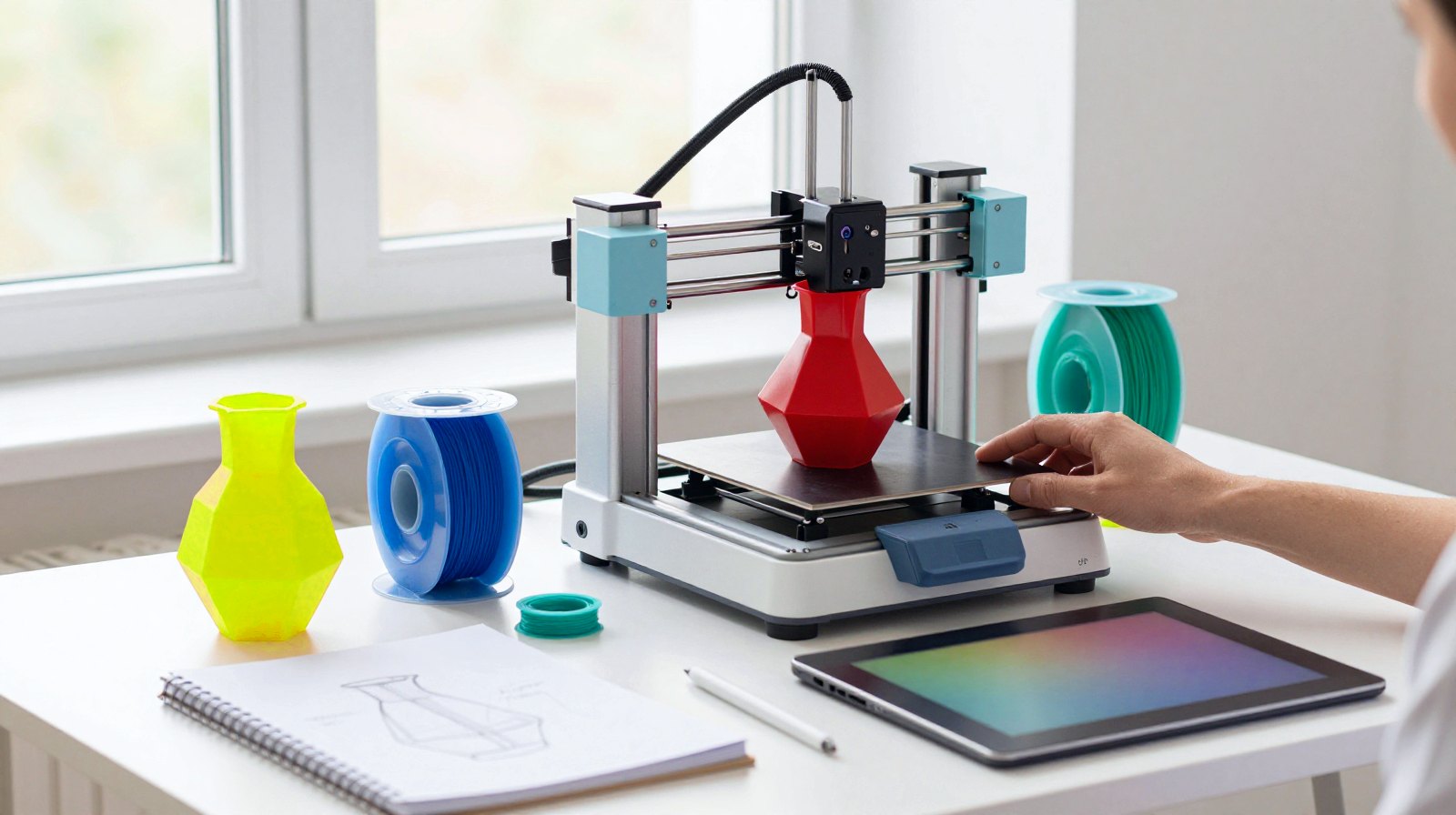
If you want to learn 3D printing, Blender or creative coding from working designers, Domestika is one of the easiest places to start: short, project-based video courses you follow at your own pace. This guide shows you how the platform works, what to watch out for, and seven maker-friendly courses worth a look.
Why it matters: a good first course saves you weeks of trial and error. You learn the order of the steps (sketch, model, slice, print) and the habits that turn a wobbly first print into a useful object. And because each course ends with a project, you finish with something real.
How we chose: we did not take these courses ourselves. This guide is based on Domestika’s own pages (labelled as the company’s information) and on independent coverage and reviews, all linked below. Price ranges: Budget = under $100, Mid-range = $100-300, Premium = over $300. Single courses sit in the Budget band; prices vary by country, so check the course page.
What Domestika is, in one minute
Domestika began in 2002 in Madrid as a small online community where creative people swapped ideas, and later moved its base to the San Francisco Bay Area, as TechCrunch and Tech.eu reported. By early 2022 it already offered more than 2,000 courses by about 1,300 creative professionals. Domestika films the courses together with each teacher, so they share a polished, studio-made look.
Its roots explain one big feature: a large part of the catalogue is taught in Spanish. A 2024 analysis by Class Central found that more than half of the courses are in Spanish, and Tiny Workshops describes most courses as Spanish with English subtitles, with a growing English list. English speakers: check the language first.
Who it’s for (and who it isn’t)
Great for: beginners who learn best by watching a professional work through one clear project; makers with a 3D printer who want to design their own parts instead of only downloading files; illustrators taking their first step into 3D; and anyone curious about drawing with code.
Not ideal for: people who need an accredited qualification, want live classes or mentoring, or need a long, structured path from zero to professional. These are standalone projects, not degrees.
How Domestika works
Buy a course, keep it
You can buy single courses. Domestika’s course pages promise “unlimited access forever”, and independent reviews by Moving to the UK and Tiny Workshops confirm that bought courses stay in your account. Both also note frequent sales and special offers, so there is rarely a reason to rush.
Domestika Plus (the subscription)
Plus still exists in October 2026. According to Domestika’s Plus page, members pay monthly or yearly, can watch a rotating selection of “Plus courses” for limited periods, and get credits to exchange for courses (12 a year on the annual plan, one a month on the monthly plan). Credits expire after a year or when you leave Plus. In short: flexibility, but no ownership of the streaming catalogue.
Safety tip for your wallet: in May 2025 Chile’s consumer agency SERNAC warned that users who registered a card for a cheap promotion were later charged for an annual Plus subscription, as also reported by Meganoticias. Domestika says you can cancel renewal whenever you want. Read the checkout page carefully, and if you join Plus, set a reminder a week before it renews.
Certificates
Domestika says Plus members get a personalised certificate, signed by the teacher, for courses they complete. Treat it as a portfolio extra: both Moving to the UK and Tiny Workshops point out that it carries no academic or industry accreditation.
Languages, audio and subtitles
Every course page has an “Audio” line and a subtitles list. Domestika’s app listing says you can choose the language of the audio and the subtitles, and TechCrunch listed courses in English, Spanish, Portuguese, French, German and Italian, with subtitles in even more languages. Reviewers warn that subtitles can be uneven on older courses. Tip: watch the trailer on the course page before you buy, so you know how the lessons sound.
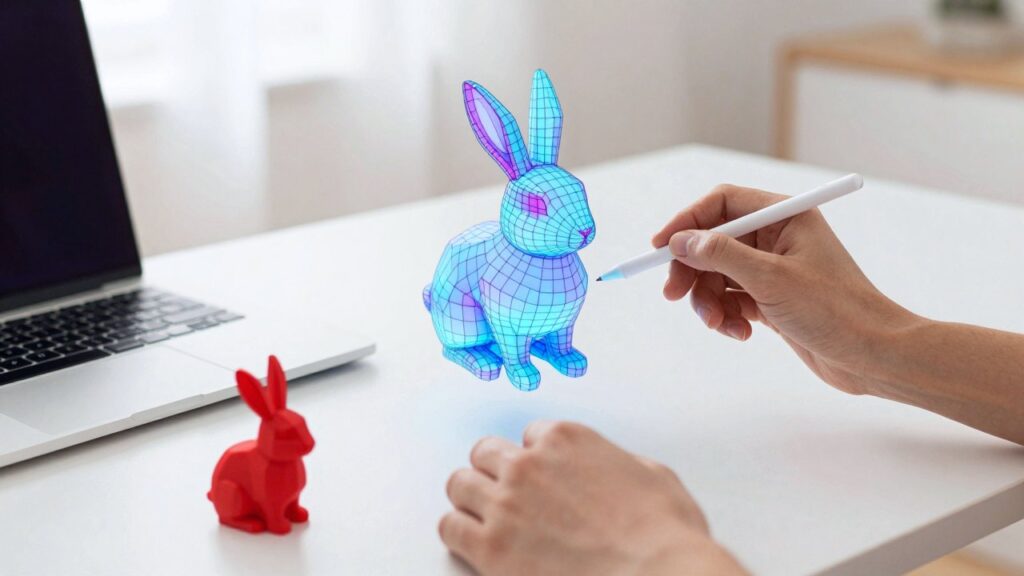
Quick picks: 7 Domestika courses for makers
Details come from each course page (Domestika’s information, checked 17 October 2026). All seven are in the Budget price range and list English and Spanish subtitles.
| Course | Teacher | Level | What you’ll make | Audio (per course page) | Why we picked it |
|---|---|---|---|---|---|
| Introduction to 3D Design and Printing | Agustín Arroyo | Beginner | An everyday object, modelled in Fusion 360 and sliced in Cura | Spanish, English and more | The clearest first step from idea to printed part |
| Product Design: From Modeling to 3D Printing | Agustín Arroyo | Beginner | A customisable lamp, accessory or product, plus ways to sell it | Spanish, English and more | The natural next step once your first prints work |
| Object Design with FDM 3D Printing | William Boujon and Julien Benayoun (Bold Design) | Beginner | A set of three 3D-printed boxes | French, English, Latin American Spanish and more | Taught by designers known for experimental FDM printing |
| Furniture Making with 3D Printing and Wood | Alexandre Chappel | Beginner | A modular shelving system mixing printed parts and wood | English, Spanish and more | Takes 3D printing off the desk and into your home |
| Blender for Beginners | Carlos Sifuentes Haro | Beginner | Practice scenes across 7 short courses, from modelling to rendering | Spanish, English and more | The broadest Blender foundation in one pack |
| Guided Course: Start on Blender creating a fun 3D scene | Marina Pais | Beginner | A cartoon-style scene with a mug, cereal and marshmallows | Portuguese, English, Latin American Spanish and more | A short, recent and cheerful first Blender project |
| Creative Coding: Making Visuals with JavaScript | Bruno Imbrizi | Beginner | A series of animated visuals that run in your web browser | English, Latin American Spanish and more | A friendly way into code for visual people |
The picks in a little more detail
For your first 3D prints
Introduction to 3D Design and Printing is taught by Agustín Arroyo, a Madrid-based designer and maker. The course page says no previous knowledge is needed: you model in Autodesk Fusion 360, prepare the file in Ultimaker Cura and print in PLA on an FDM printer (the common kind that melts plastic filament layer by layer) or through a printing service. His Product Design course is the follow-up, including options for selling what you make.
Object Design with FDM 3D Printing comes from Bold Design, a Paris studio. You sketch, model in Fusion 360 and print with SuperSlicer, and the teachers advise on equipment along the way. Choose it if you want prints that look designed, not just functional.
For bigger projects at home
Furniture Making with 3D Printing and Wood by industrial designer Alexandre Chappel combines printed parts with simple woodworking. The course page lists a printer, a drill, a handsaw and a modelling program such as Fusion 360. With power tools, clamp your work and wear eye protection.
For Blender
Blender for Beginners by Carlos Sifuentes Haro is a pack of seven short courses, from the interface and modelling to sculpting, animation, physics and rendering with Cycles and Eevee (Blender’s two render engines). Note: the course page lists Blender 2.83 in its requirements, an older version, so some menus may look different in today’s Blender. If that worries you, start with Marina Pais’s Guided Course, published in September 2025: modelling, colours, lights and a final render in one compact project.
Want a shortcut for shapes? Our guide on how to make 3D models with ChatGPT and AI tools pairs well with these courses.
For creative coding
Creative Coding: Making Visuals with JavaScript by Bruno Imbrizi teaches you to draw and animate shapes and text with code that runs in a browser. You need basic maths, a text editor and Node.js (a free tool that runs JavaScript outside the browser), says the course page.
One gap: when we searched the catalogue in October 2026 we did not find a dedicated Arduino or electronics course. For boards and sensors, see our explainer on the Arduino Ventuno Q.
Pros and cons
Pros:
- Every course ends with something you made.
- Bought courses stay yours; frequent sales.
- Polished, studio-filmed lessons by working designers.
- Strong Spanish catalogue, with English audio or subtitles on many courses.
Cons:
- Certificates are not accredited; no degree-style path.
- Subtitle quality can be uneven on older courses; some software versions are dated.
- Subscription renewals have caused complaints: read the checkout terms.
- Few electronics courses.
How to choose your first course
- Pick your goal. A printed object? Start with Arroyo. A 3D image or animation? Start with Blender. Moving visuals? Try creative coding.
- Check your gear. Each course page lists the printer, software and computer you need.
- Check the language. Look at the Audio line and the subtitles, then watch the trailer.
- Check the software version. Newer courses match today’s menus better.
- Decide: buy or Plus. One or two courses? Buy them during a sale. Several a year? Compare Plus, and set a renewal reminder.
FAQ
Do I keep a Domestika course forever?
Courses you buy, yes. The Plus streaming selection is only available while you are a member.
Are Domestika courses in English?
Many are, but more than half of the catalogue is taught in Spanish. Check the Audio line and subtitles on each course page.
Is the Domestika certificate worth it?
It is a nice extra for your portfolio, but it is not an accredited qualification.
Do I need a 3D printer for the printing courses?
It helps, but Arroyo’s introduction also accepts a printing service, so you can learn the design side first.
Learn it yourself
Want to go further? These online courses cover the skills behind this story:
- Introduction to 3D Design and Printing Domestika: Agustín Arroyo's beginner course: model an everyday object in Fusion 360, slice it in Cura and print it, no previous 3D experience needed.
See the course on Domestika - Blender for Beginners Domestika: Carlos Sifuentes Haro's pack of seven short courses covering Blender from the interface to modelling, sculpting, animation and rendering.
See the course on Domestika - Furniture Making with 3D Printing and Wood Domestika: Alexandre Chappel shows how to combine 3D-printed parts with simple woodworking to build a modular shelving system for your home.
See the course on Domestika
Read next
- How to make 3D models with ChatGPT and AI tools (2026 guide)
- Build your own AI gadget: Meta’s Muse kit for ESP32 and Pi
- Gaussian splatting: the 3D photo tech XR fans keep hearing about
Show sources (11)
- Domestika raises $110M on a $1.3B valuation to expand its learning community for creative types – TechCrunch, 27 January 2022
- Online courses for the creative community platform Domestika raises $110 million – Tech.eu, 27 January 2022
- 250 Top Domestika Courses of All Time (2024) – Class Central, 2024
- Is Domestika worth it? – Moving to the UK, 20 June 2026
- Skillshare vs Domestika: which is better for creative courses? – Tiny Workshops, 16 June 2023
- Domestika Pro review: is it worth it after 10 months? – Tiny Workshops, 17 March 2021
- SERNAC alerta por problemas en contratación de cursos online en plataforma Domestika – SERNAC, 27 May 2025
- Sernac alerta cobros automáticos no informados en cursos online de Domestika – Meganoticias, 27 May 2025
- Domestika Plus (subscription terms) – Domestika, checked 17 October 2026
- Domestika – Online courses (app listing) – Domestika on the App Store, checked 17 October 2026
- Course details: the seven Domestika course pages linked in the quick picks table – Domestika, checked 17 October 2026
The week's best tech stories, free
One email a week with the stories that matter, explained simply. No spam.
Disclosure: this article contains affiliate links
If you buy through them, DIGITAL WOXTER TECHNEWS may earn a commission at no extra cost to you. Our picks are based on specifications, prices and published reviews, not on any payments.