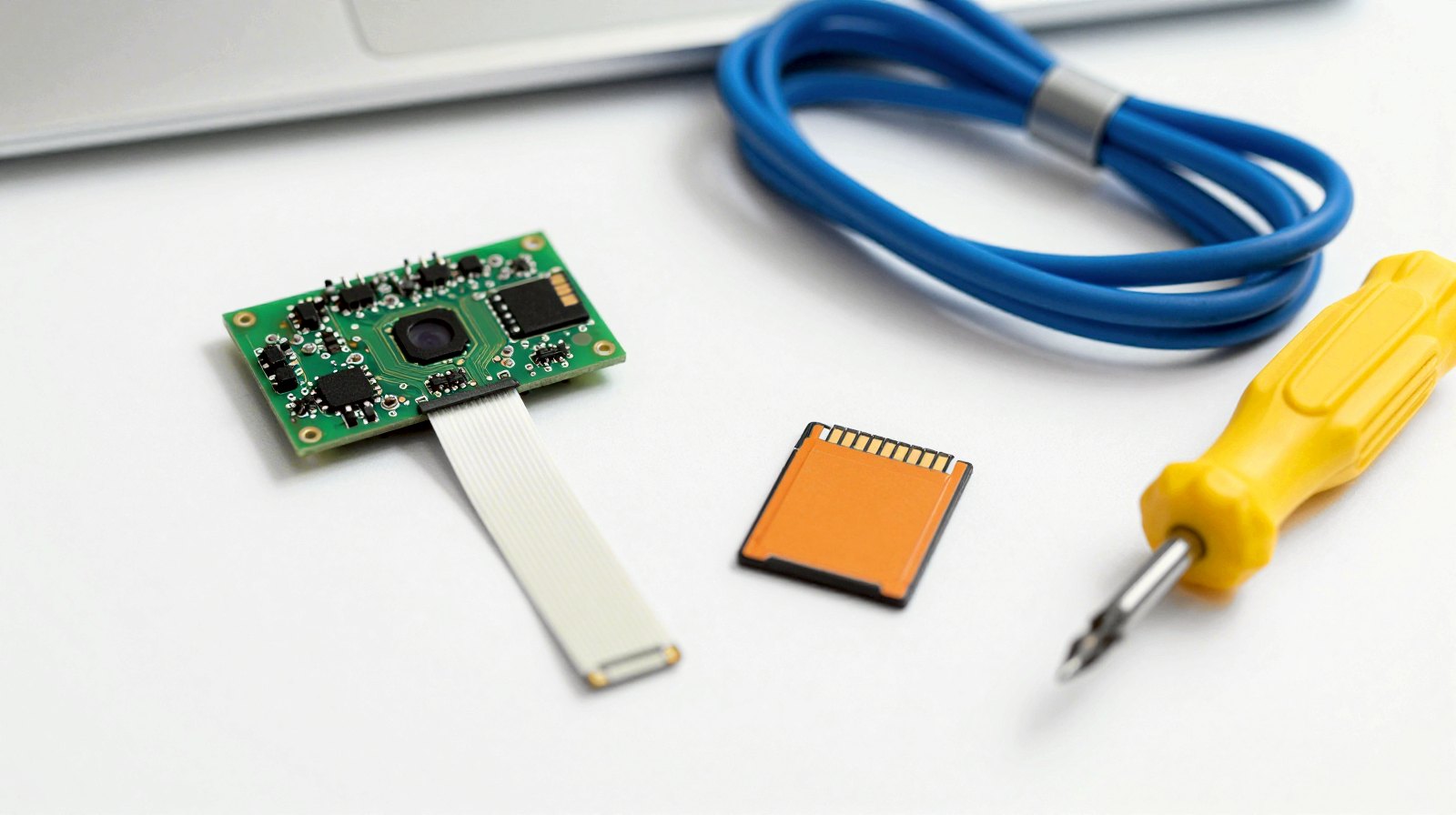
Our Raspberry Pi safety camera guide shows how to get a photo on your phone when something moves. Here’s what to buy for the simple build, plus the one cable that catches most people out.
How we chose: we did not build this ourselves. The list comes from Raspberry Pi’s documentation and the Picamera2 manual. Raspberry Pi prices have changed several times in 2026, so follow the links for today’s price. Price ranges: Budget = under $100, Mid-range = $100-300, Premium = over $300.
Shopping list
| Part | Do you need it? | Our pick | Price range |
|---|---|---|---|
| Board | Yes | Raspberry Pi 5, 4 GB | Budget to Mid-range |
| Power | Yes | Official 27 W USB-C supply | Budget |
| Cooling | Strongly advised | Active Cooler | Budget |
| Camera | Yes | Camera Module 3 | Budget |
| Camera cable | Yes, it’s not in the box | Pi 5 camera cable, 200 mm | Budget |
| Memory card | Yes | Samsung PRO Endurance 128 GB | Budget |
| Case | Optional | Waveshare clear acrylic case | Budget |
The software is free. On your phone you’ll need the ntfy or Telegram app.
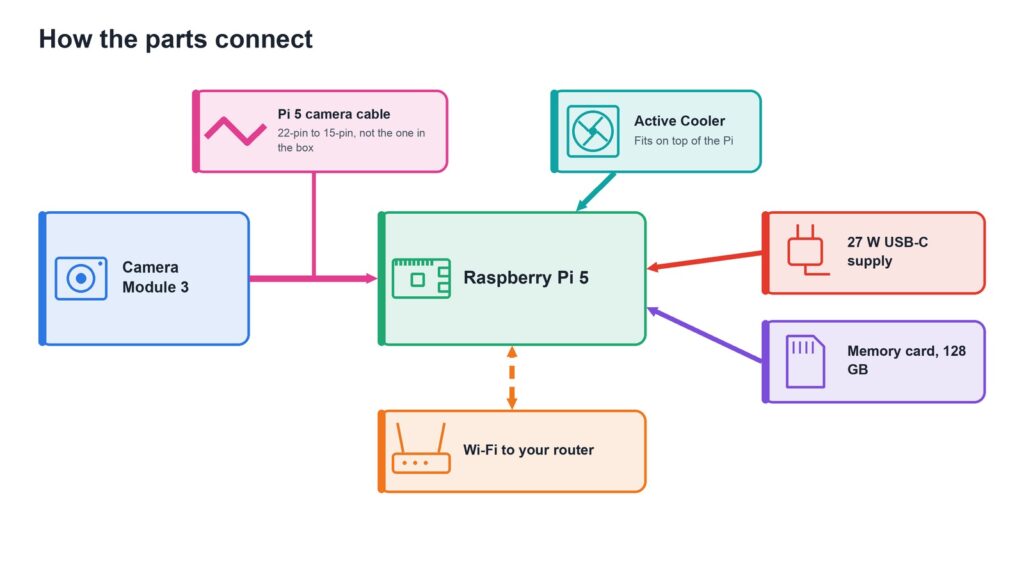
The board: Raspberry Pi 5
The Raspberry Pi 5 with 4 GB is plenty for this project. Watch for inflated reseller prices and kits with extras you don’t need.
Power: official 27 W supply
The Raspberry Pi 27 W USB-C power supply gives the Pi the 5 A it prefers. Check the listing, as other brands use the word “official” too.
Cooling: Active Cooler
A camera runs all day, and the Pi 5 encodes video in software, so it stays busy. The Active Cooler keeps it from slowing down. Fit it carefully the first time, because removing it can damage the pins and pads.
The camera: Camera Module 3
The Raspberry Pi Camera Module 3 has 12 megapixels and autofocus. Choose the standard version for a lit room or doorway, and the Wide version to see a whole room. Skip NoIR unless you’re adding an infrared lamp. Check it’s a Raspberry Pi product, as similar-looking Arducam models aren’t the same thing.
The cable that catches everyone out
The cable in the camera’s box doesn’t fit a Pi 5, which uses a smaller 22-pin connector. You need a Pi 5 camera cable, 22-pin to 15-pin. Don’t confuse it with a display (DSI) cable, which looks almost the same. If you can’t find it, Raspberry Pi lists approved resellers.
The memory card: built for recording
The Samsung PRO Endurance 128 GB is made for continuous recording, unlike an ordinary card. Saving short clips, it should hold plenty. Recording around the clock at 4 Mbps would fill it in about three days by our sums. Stock and prices vary, so check before you buy.
A case: optional
A case keeps dust and fingers off the board, but the camera works without one. The Waveshare clear acrylic case is made to take the official Active Cooler, which isn’t included, and it has openings for the camera cable. Waveshare advises connecting the camera cable before you fit the second acrylic panel.
Upgrades for later
- Recognising people: add a Raspberry Pi AI HAT+ 13 TOPS and the free Frigate software, and choose the 8 GB Pi. Don’t buy the older AI Kit, as it’s out of production.
- Faster storage: a USB SSD works well. The AI HAT+ uses the Pi’s one PCIe port, so an official M.2 SSD board won’t sit alongside it.
- Outdoors: keep the Pi inside and use an outdoor network camera. There’s no official PoE board for the Pi 5, only third-party ones.
Read next
- Build a Raspberry Pi safety camera that alerts your phone
- What you need to build a Raspberry Pi home NAS
Show sources (6)
- Camera cable – Raspberry Pi, consulted 5 November 2026
- Camera documentation – Raspberry Pi, consulted 5 November 2026
- Camera Module 3 – Raspberry Pi, consulted 5 November 2026
- The Picamera2 manual – Raspberry Pi, 27 October 2026
- AI HAT+ – Raspberry Pi, consulted 5 November 2026
- PoE+ HAT – Raspberry Pi, consulted 5 November 2026
The week's best tech stories, free
One email a week with the stories that matter, explained simply. No spam.
Disclosure: this article contains affiliate links
If you buy through them, DIGITAL WOXTER TECHNEWS may earn a commission at no extra cost to you. Our picks are based on specifications, prices and published reviews, not on any payments. As an Amazon Associate I earn from qualifying purchases.