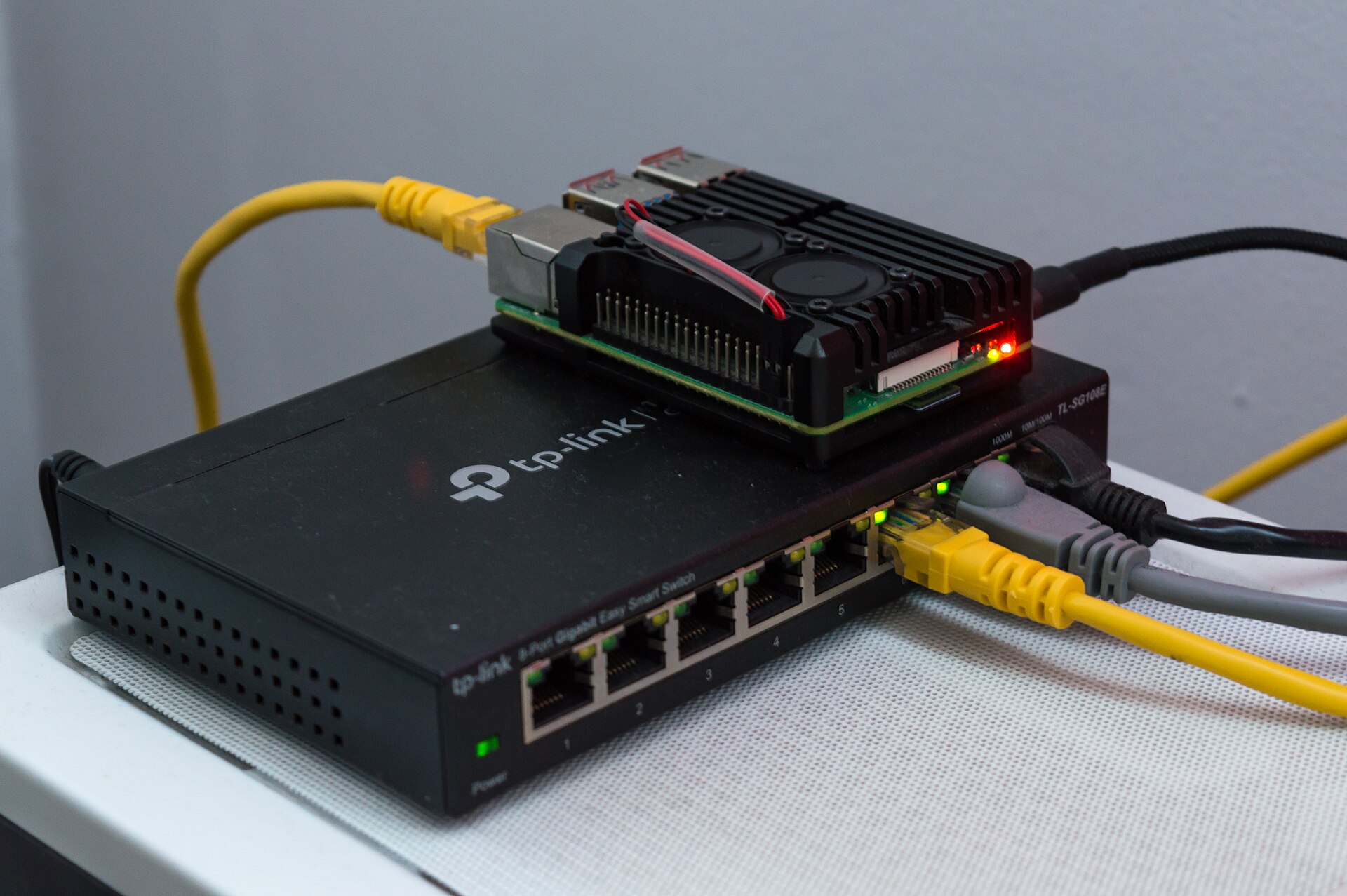
In our comparison Your own home VPN: which board should run it? two options came out on top: a Raspberry Pi 5 for makers, and a GL.iNet Flint 2 router for the easiest setup. Here’s what you need for each, and what you can skip.
How we chose: we did not build this ourselves. The list follows Raspberry Pi’s specifications, GL.iNet’s datasheet and the tests in our comparison. Prices change often, so follow the links for today’s price. Price ranges: Budget = under $100, Mid-range = $100-300.
Shopping list
| Part | Do you need it? | Our pick | Price range |
|---|---|---|---|
| Board | Yes | Raspberry Pi 5 | Budget |
| Power | Yes | Official 27 W USB-C supply | Budget |
| Memory card | Yes | Samsung PRO Endurance 128 GB | Budget |
| Cooling | Recommended | Active Cooler | Budget |
| Network cable | Yes | Any short Cat 6 cable | Budget |
| Or, no Pi at all | Alternative | GL.iNet Flint 2 router | Mid-range |
The software is free: Tailscale or wg-easy, as explained in our comparison.
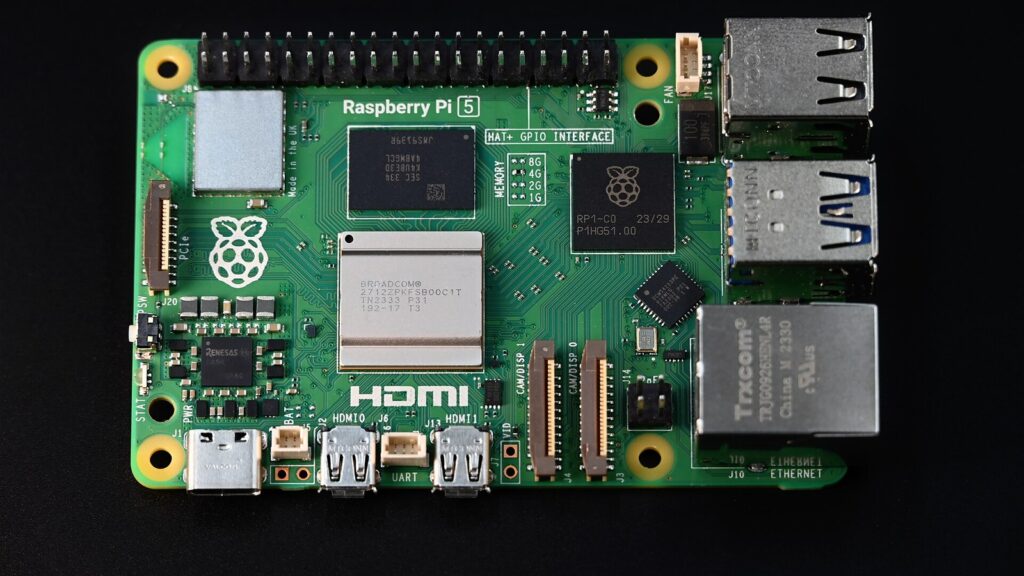
The board: Raspberry Pi 5
A home VPN needs very little memory, so the 2 GB model is enough and the most frugal at idle. If you can’t find it, the Raspberry Pi 5 with 8 GB works just as well and leaves room for other jobs, like a small NAS. Watch for inflated reseller prices and kits with extras you don’t need.
Power: official 27 W supply
The Raspberry Pi 27 W USB-C power supply keeps the Pi stable around the clock, which matters for something that should never switch off. Check the listing, as other brands use the word “official” too.
The memory card
The Samsung PRO Endurance 128 GB is made for devices that run all day, which suits a VPN that’s always on. A VPN only needs a few gigabytes, so the extra space is spare room for later.
Cooling: Active Cooler
A VPN barely warms the Pi, but the Active Cooler keeps it quiet and safe in a closed cupboard next to the router. Fit it carefully the first time, because removing it can damage the pads.
The easy alternative: GL.iNet Flint 2
If you’d rather not build anything, the GL.iNet Flint 2 replaces your home router and has a WireGuard server built in, plus Tailscale in its firmware (still labelled beta). It was the fastest option tested in our comparison, at 834-888 Mbps as a server according to CNX Software. Check that it works with your internet connection before you swap routers: some operators need their own box for fibre or TV.
Good to know
- Use a cable: plug the Pi into the router with a network cable, not Wi-Fi. It’s faster and more reliable.
- Check for CGNAT first: if your operator shares your public address, use Tailscale. Our comparison explains how to check.
- Pi Zero 2 W: it also works for a couple of phones, but it has no network port, so we don’t recommend it as a first build.
Read next
- Your own home VPN: which board should run it?
- What you need to build a Raspberry Pi home NAS
- What you need to build a Raspberry Pi AI computer with an NPU
Show sources (4)
- Raspberry Pi 5, Raspberry Pi, accessed 8 November 2026
- GL-MT6000 datasheet, GL.iNet, November 2025
- GL.iNet Flint 2 review, part 2, CNX Software, 15 January 2024
- Tailscale, GL.iNet docs, accessed 8 November 2026
The week's best tech stories, free
One email a week with the stories that matter, explained simply. No spam.
Disclosure: this article contains affiliate links
If you buy through them, WOXTER AMERICA LLC may earn a commission at no extra cost to you. Our picks are based on specifications, prices and published reviews, not on any payments.