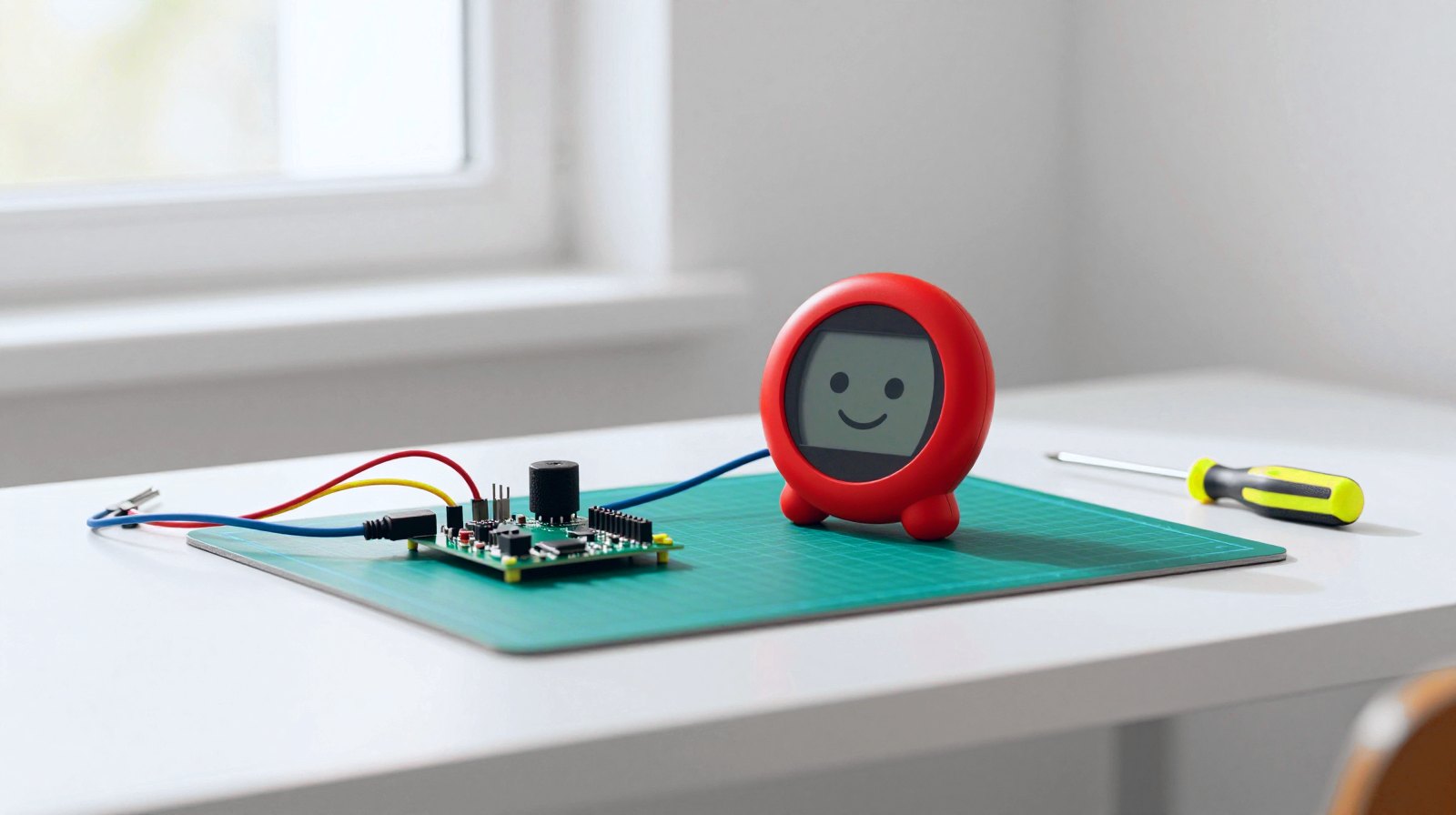
Fancy building your own little AI sidekick? Meta has just made that a lot easier. It released Muse Gadgets, a free, open-source kit that lets anyone turn an inexpensive ESP32 board or a Raspberry Pi into a gadget that talks to Muse, Meta’s AI assistant. Think a round touchscreen on your desk that you chat with, a tiny screen that shows what the assistant creates, or a home helper you build yourself.
Why it matters: until now, AI assistants mostly lived inside phones and speakers designed by big companies. This kit invites makers, students and tinkerers to invent the hardware themselves, with code they can read and change.
What’s in the box (well, the download)
According to the project’s official page on GitHub and ElectronicsForU, there are two toolkits:
- ESP32 Device SDK: for ESP32 boards, the tiny, cheap computers-on-a-chip that power lots of smart-home gadgets. You can add a screen for images, a microphone and speaker for voice, or sensors.
- Linux Device SDK: turns a Raspberry Pi or any small Linux computer into a gadget, with your own custom commands and Home Assistant tasks for the smart home.
Everything is released under the Apache 2.0 open-source licence, so you can study it, tweak it and share your creations. The project cheerfully describes itself as “built by hackers, for hackers, just for fun”.
Gadgets people are already pointing to
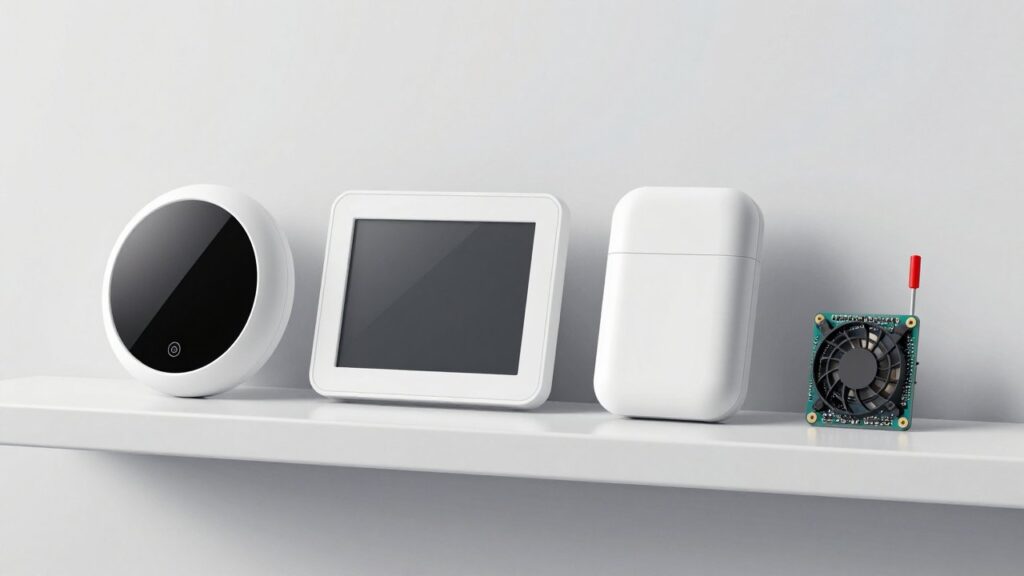
ElectronicsForU lists some ready-to-try hardware: a Waveshare ESP32 board with a round 1.75-inch touchscreen, speaker, microphone and battery; the pocket-sized M5Stack StickS3; Seeed’s colour e-paper reTerminal E1002; and a Raspberry Pi 5 for home automation. There is even an idea for a stick that shows Muse on your TV.
Meta also has its own tiny device, the Muse Home Link: a small USB-C dongle built on Espressif’s ESP32-C5 chip with dual-band Wi-Fi 6. It connects Muse to devices on your home network that offer a local web interface, according to ElectronicsForU.
How to get started
- Get a token: request a developer token on the Muse Gadgets site (gadgets.muse.ai) and read the SDK terms. Every gadget needs one to pair.
- Switch on developer mode: in the Muse app for iPhone or Android, go to Settings, then Devices, and enable Developer mode.
- Build and pair: follow the guide for your board. Your creation shows up in the app with a “MuseGadget” name.
Good to know before you start
- Personal projects only, for now: ElectronicsForU reports that, under Meta’s current terms, tokens are for personal, non-commercial use, and there are limits on sharing devices that contain them.
- Tinker at your own risk: the project page jokes that experimenting may lead to bricked boards, voided warranties or brownouts. A spare board is a good idea.
- You need a Muse account: the gadgets work with Meta’s assistant, so your conversations go through Meta’s service.
What happens next
Meta encourages makers to share their designs. Expect a wave of homemade AI gadgets in the coming weeks, and keep an eye on Meta’s terms if you dream of selling one.
The week's best tech stories, free
One email a week with the stories that matter, explained simply. No spam.
Sources
- Muse Gadget SDK (official repository) – Meta, GitHub, October 2026
- Meta Muse Brings AI To DIY Electronics – ElectronicsForU, 5 October 2026