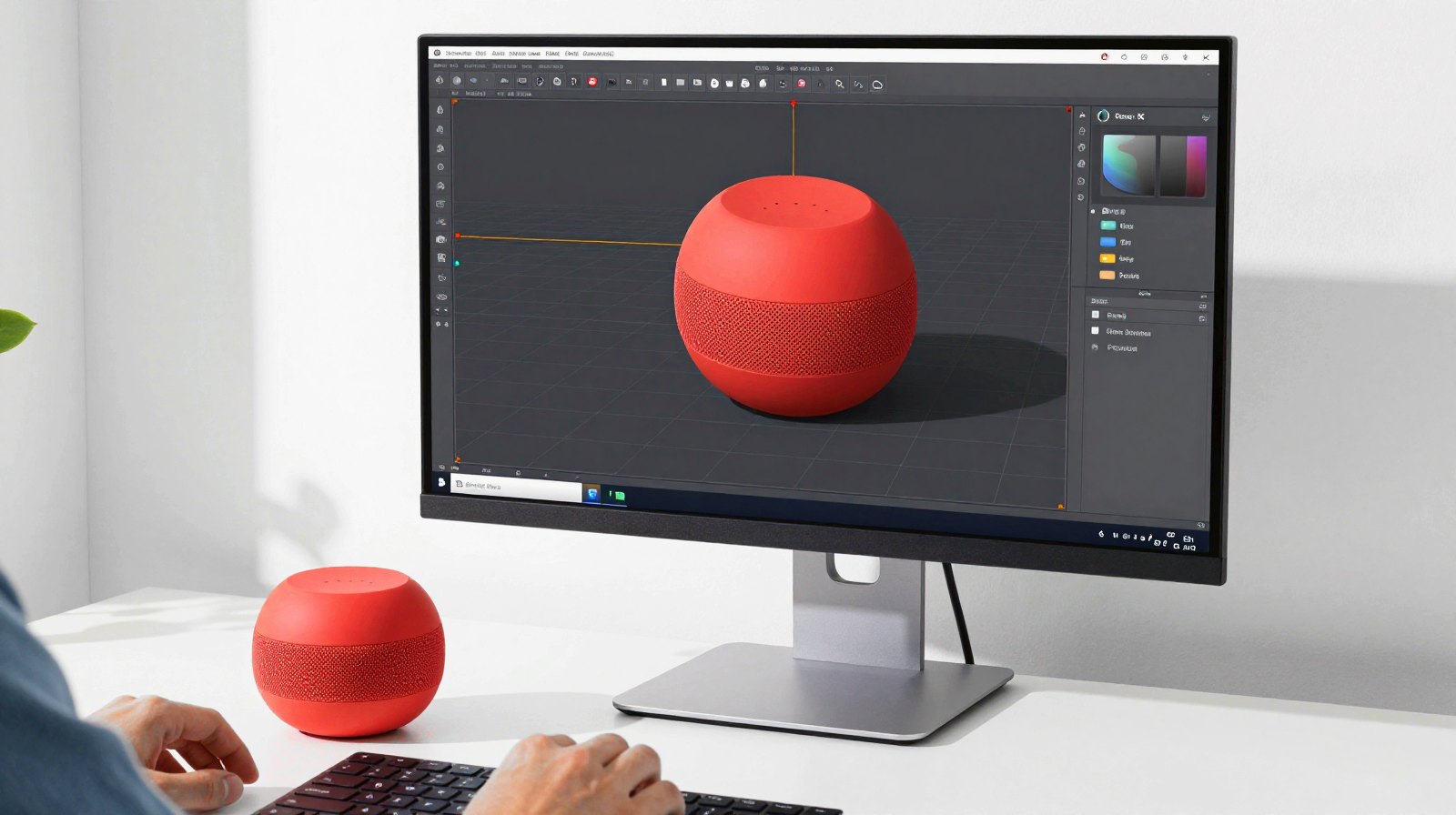
A month after GPT-6 arrived in ChatGPT, the chat window is turning into a control room. ChatGPT can now open Canva in a side panel, edit a picture in Photoshop, search your Figma files and, with a little setup, build and fix 3D scenes inside Blender, the free 3D program used by artists, game makers and 3D-printing fans. Here is what works today, how to connect it, and what to watch out for.
Why it matters: until now an AI chat could only tell you what to do. With apps and connectors it can do part of the work inside the tools you already use, from a poster to a 3D model, while you stay in charge of every change.
First, a quick word on the names
OpenAI first called these add-ons “connectors”, then folded them into apps. Most are built on MCP (Model Context Protocol), an open standard that works like a universal plug: any AI app that speaks MCP can talk to any tool that offers an MCP “server”. That is why the same Blender connection can work with ChatGPT, Codex and other AI assistants.
Which GPT-6 you get depends on your plan. According to OpenAI, Plus, Pro, Business and Enterprise use GPT-6 Sol, Free and Go users get GPT-6 Luna, and Pro’s deepest thinking level runs on GPT-6 Astra. The apps work with whichever model your account uses.
The apps worth trying with GPT-6
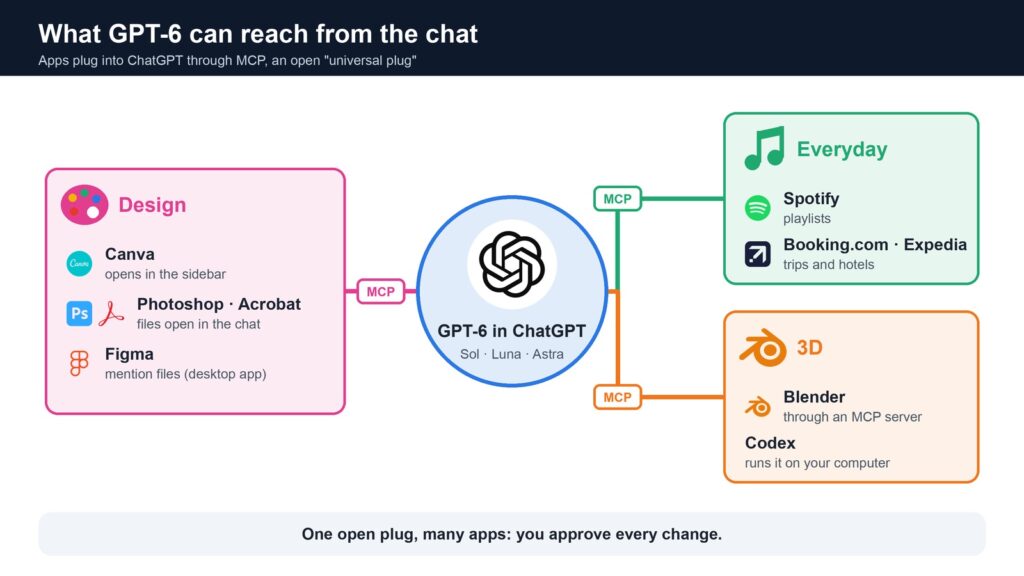
- Canva: since an update on 29 September, Canva can open as a tab in ChatGPT’s sidebar, so you can ask for a design and preview it without leaving the chat, MIXED reports.
- Adobe Photoshop and Acrobat: supported files can open in Adobe’s own viewer inside ChatGPT, so you can edit a picture or a PDF by describing the change.
- Figma: in the ChatGPT desktop app you can search for a Figma file and mention it in your message, then ask questions about the design.
- Everyday apps: Spotify, Booking.com, Expedia and others have worked inside ChatGPT since the apps launch in October 2025, 9to5Mac reported. Ask for a playlist for a road trip or a list of hotels near a station, and the app answers with its own cards and buttons.
Each app needs you to sign in to that service once, and work accounts can be limited by the company’s administrator. OpenAI says some of these new side-panel features are still “coming soon” for Free and Go users on the web.
Blender: three ways to let ChatGPT help
Blender has no AI built in. The Blender developers’ own lab, Blender Lab, offers an official MCP server as an add-on for Blender 5.1 and newer. It gives an AI assistant a plain-language way into Blender’s Python controls. It was first presented in April alongside Anthropic’s Claude connectors, but because it uses the open MCP standard, other AI apps can use it too. A popular community alternative, MCP for Blender, does a similar job.
Not only ChatGPT: Anthropic’s Claude can do the same kind of work in Blender. The official Blender connector was launched alongside Claude’s creative connectors on 28 April, and Anthropic says it can analyse and debug scenes and apply changes to many objects at once. The same launch added connectors for SketchUp and Autodesk Fusion, handy for buildings and product models, plus Adobe and Ableton. Because both assistants use the same open plug, the setup and the safety advice below apply to either one, and the results depend on the model you pick.
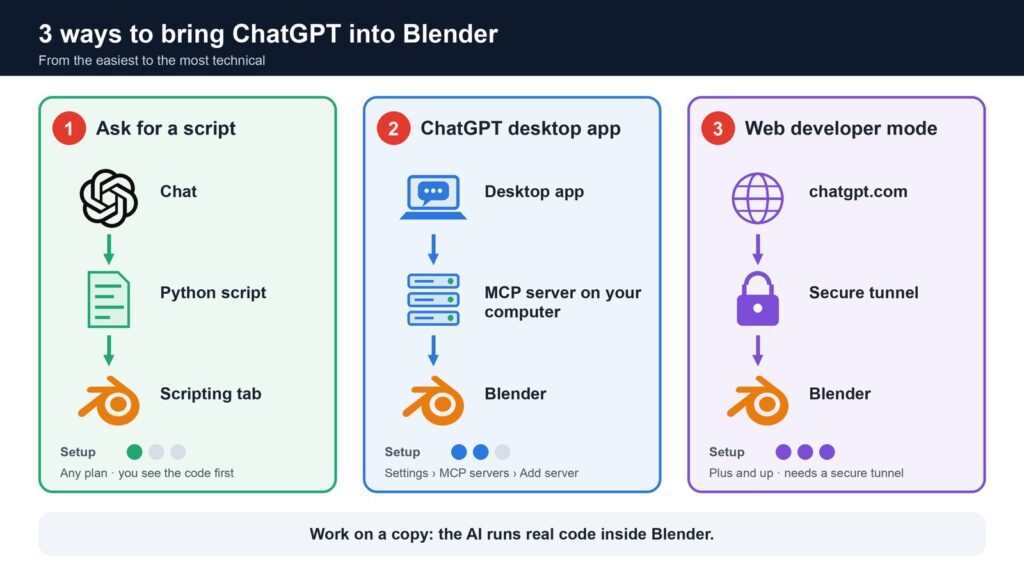
- The easy way: ask for a script. Describe what you want (“make 20 cubes in a spiral, each a different colour”) and ask GPT-6 for a Blender Python script. Paste it into Blender’s Scripting tab and press Run. No setup, any plan, and you see the code before it runs.
- The connected way: the ChatGPT desktop app. The new desktop app includes Codex, which can start MCP servers on your own computer. OpenAI’s guide shows the route: Settings, then MCP servers, then Add server, choose STDIO, give it a name and the server’s start command, save and restart. With the Blender add-on running, ChatGPT can look at your scene and change it directly. The same setup is shared by the Codex command line and editor extensions.
- The web way: developer mode. On the ChatGPT website, developer mode lets Plus, Pro, Business, Enterprise and Education accounts add their own MCP apps. The catch: the website can only reach servers on the internet, not a program on your laptop, so Blender would need a secure tunnel. For most people, the desktop route is simpler.
What you can ask Blender to do
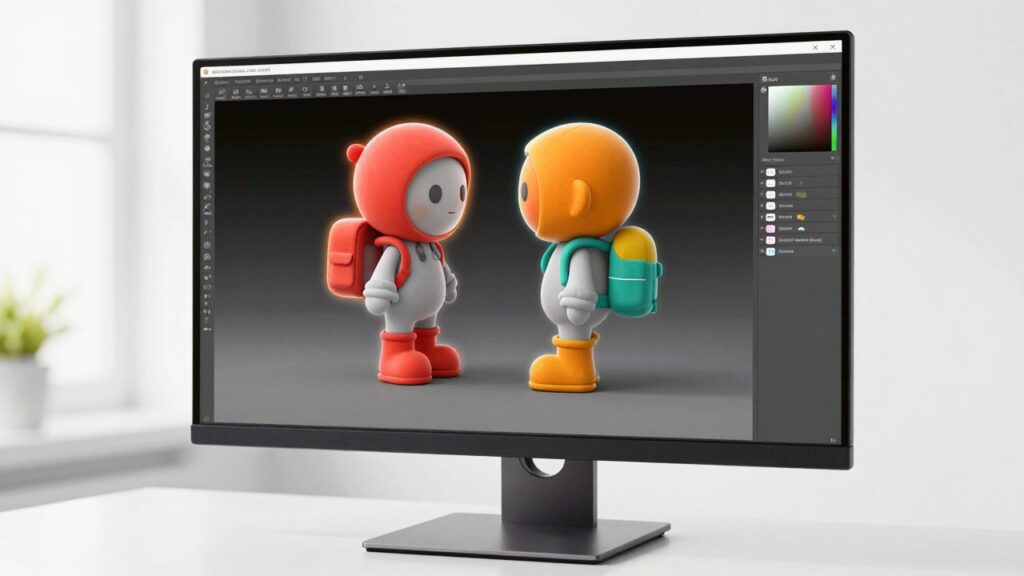
Blender Lab shows its server doing practical, unglamorous jobs that save real time:
- Find the heavy stuff: “Which objects have the most polygons but look small on screen?”
- Tidy up: fix typos in object names or suggest clearer names for a messy scene.
- Answer questions: “Which objects use this material?”
- Explain node setups: describe what a Geometry Nodes tree does and add notes inside it.
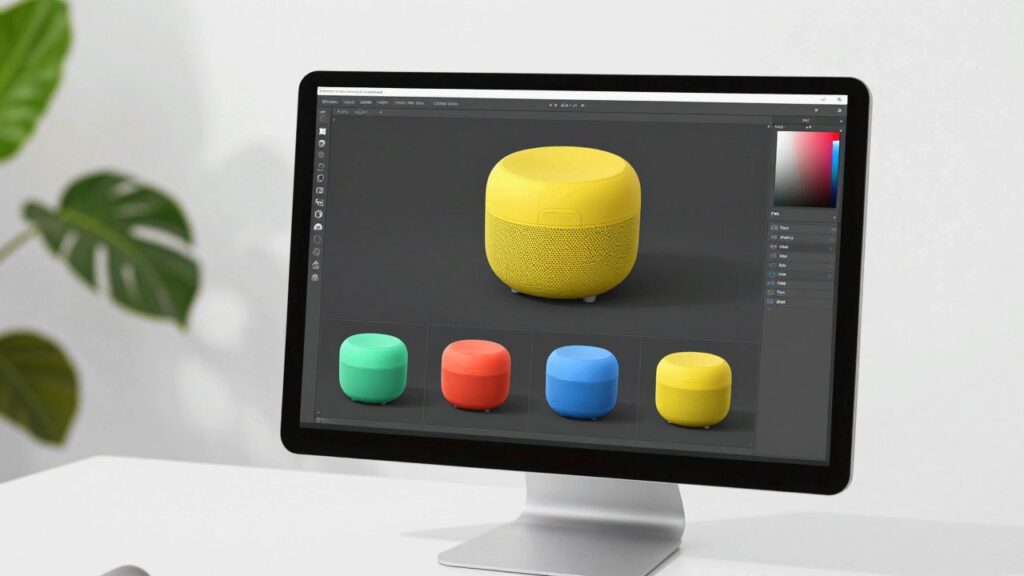
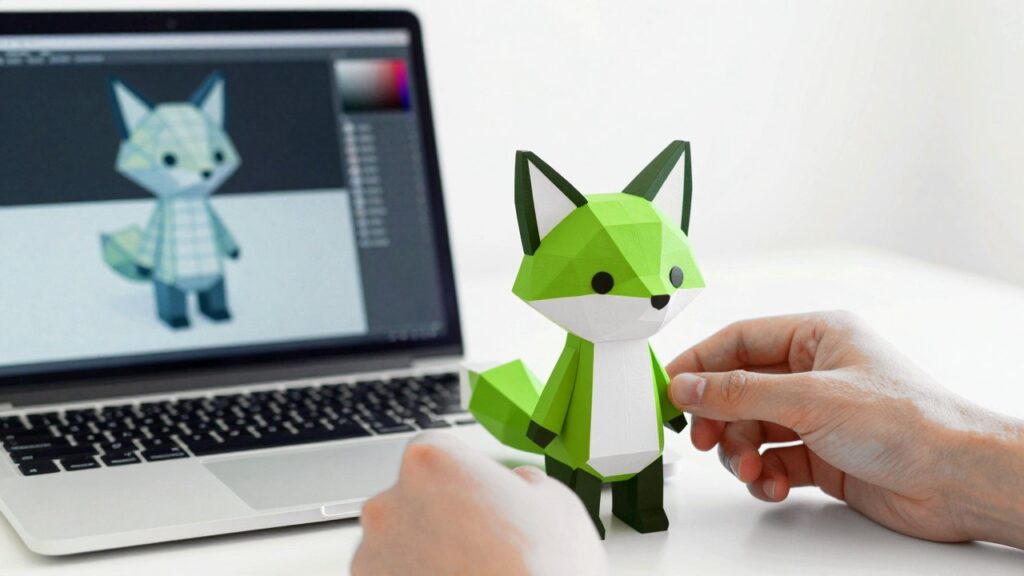
A few more ideas of our own, untested, to try once the connection works: block out a simple cartoon character or a product mock-up, such as a speaker or a bottle in several colours, sketch a house or a room for an architecture idea, build a simple room or low-poly island from a description, give a whole set of objects matching materials in one go, or check a model’s size in millimetres before you export it for 3D printing. Blender Lab itself says results depend on the model you use, so check every change.
Be careful: the AI writes real code
Blender Lab’s own page warns, in bold, that its server will “execute LLM generated code in Blender without any guards in place”. In plain words: whatever the AI writes runs straight away, mistakes included. The lab recommends using a virtual machine or a computer without sensitive data. Our advice for everyone:
- Work on a copy of your project and save often.
- Start with questions (“what is in this scene?”) before you let it change things.
- On the website, write actions in developer mode ask for your confirmation by default. Read what it is about to do before you click approve, and only let it remember approvals for apps you trust.
- Install MCP servers only from sources you trust, such as blender.org.
What it means for you
If you design posters or slides, Canva and Adobe inside ChatGPT can save you a lot of switching between windows. If you are curious about 3D, start with the script method: it is free, safe to try on a fresh file, and a great way to learn how Blender works. And if you already use Blender every day, the desktop connection can take over the boring parts, like renaming and cleanup, so you can spend your time on the creative ones.
AI courses on Udemy, from the basics to building your own apps, at your own pace.See courses with the discount →
Read next
- ChatGPT 6 (GPT-6): what Intelligent UI is and how to use it
- How to make 3D models with ChatGPT and AI tools
- Do you remember HAL? Let’s review AI hacking
The week's best tech stories, free
One email a week with the stories that matter, explained simply. No spam.
Sources
- GPT-6 and Intelligent UI for everyone, OpenAI, 7 October 2026
- ChatGPT Gets GPT-6 And Intelligent UI For Interactive Answers, Search Engine Journal, 7 October 2026
- MCP Extensions, OpenAI Developers, accessed 8 November 2026
- ChatGPT plugins can now claim the sidebar, and Canva, Figma and Adobe already have, MIXED, 6 October 2026
- ChatGPT can now interact with multiple apps, including Spotify, Canva, and Figma, 9to5Mac, 6 October 2025
- Model Context Protocol, ChatGPT Learn (OpenAI), accessed 8 November 2026
- Connect and test your plugin, OpenAI Developers, accessed 8 November 2026
- ChatGPT Developer Mode: Full MCP Access with Serious Responsibilities, DevOps.com, September 2025
- MCP Server, Blender Lab, accessed 8 November 2026
- Claude for creative work, Anthropic, 28 April 2026 (updated 1 May 2026)
- Anthropic links Claude to Adobe, Blender, Ableton, IT Brief UK, April 2026
- MCP for Blender, GitHub (community project), accessed 8 November 2026
Disclosure: this article contains affiliate links
If you buy through them, WOXTER AMERICA LLC may earn a commission at no extra cost to you. Our picks are based on specifications, prices and published reviews, not on any payments.