
ChatGPT just changed the way it answers. With GPT-6, which OpenAI began rolling out on 7 October, an answer is no longer only text: it can be a chart, a set of buttons, a form, or a small tool you use right there in the chat. OpenAI calls this “Intelligent UI”. Here is what it does, who gets it, and how to make the most of it.
Why it matters: for many everyday questions, such as comparing two phones, planning a trip or working out a budget, a little interactive tool is clearer than three paragraphs. It also means ChatGPT can now build simple calculators and checklists for you on request.
Who gets it, and which version
- Plus, Pro, Business and Enterprise got GPT-6 first, on 7 October, in the Chat tab. Their version is called GPT-6 Sol, according to OpenAI.
- Free and Go users got it the next day, with a version called GPT-6 Luna.
- Enterprise access depends on your company’s admin settings.
- The models behind ChatGPT’s Work mode and Codex are not changing in this release.
In the model menu, GPT-6 replaces the “Latest” option, and the previous GPT-5.6 Sol is still available as a separate choice, Search Engine Journal reports.
What Intelligent UI does
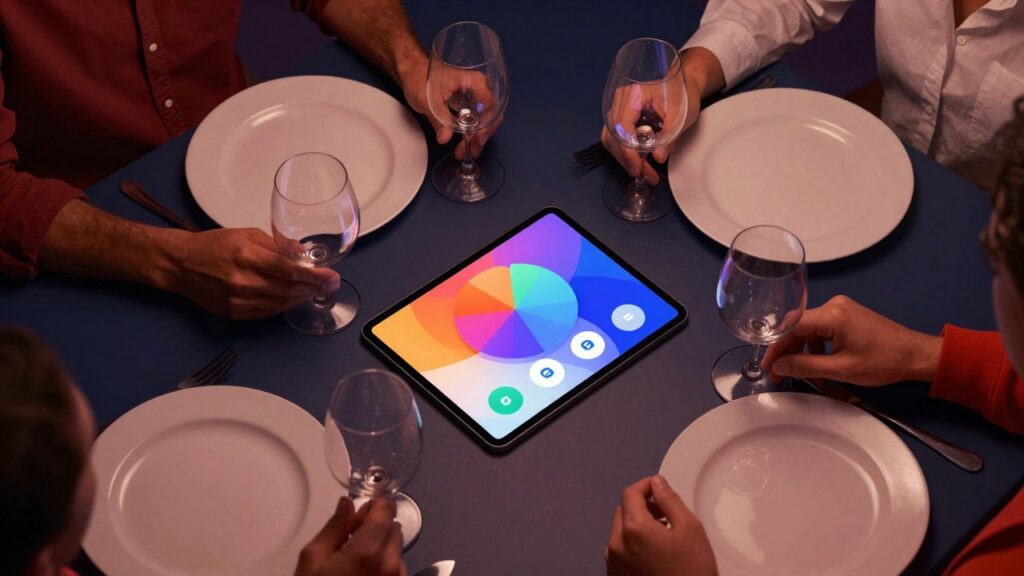
GPT-6 decides the format of each answer based on your question. A comparison may appear side by side, an explanation as an interactive diagram, and a simple question still gets a simple text reply. Answers can include graphics, tappable buttons, forms and charts. You can also ask it to build a small tool, and OpenAI’s own examples include a savings calculator, a dinner bill splitter and a game you can play in the chat.
GPT-6 can also start answering while it is still thinking or searching, and add more findings without you asking again. For questions that need a web search, OpenAI says GPT-6 Instant starts answering 44% sooner on average than GPT-5.6 Instant. That is OpenAI’s own measurement of how quickly the answer begins, not of the total time, and there are no independent tests yet.
How to use it: 5 steps
- Use the web version or an updated app. The feature is rolling out gradually on the web and in updated apps. The older ChatGPT desktop apps for macOS and Windows do not support it, according to Search Engine Journal.
- Pick GPT-6. In the model menu, choose the “Latest” option, which is now GPT-6.
- Ask for a tool, not just an answer. Try prompts like “Make me a bill splitter for 6 people with a 10% tip” or “Build a calculator that shows how my savings grow if I add 100 euros a month”.
- Ask for comparisons. “Compare these two laptops side by side for battery, weight and price” is the kind of question where a table or cards help most.
- Prefer plain text? On the web you can switch off the “Layout and visuals” setting. Search Engine Journal notes that some visual elements may still appear.
Good to know
- Pro’s deepest thinking level runs on a different model, GPT-6 Astra, and does not support Intelligent UI.
- Check the numbers. A neat calculator still runs on the AI’s assumptions. For money, health or anything important, verify the result yourself or with a professional.
- It is still early. OpenAI itself says the model’s design judgment needs more work, so expect some odd layouts.
What happens next
OpenAI describes Intelligent UI as a step towards a ChatGPT that shapes the interface around what you are trying to do. Expect more types of interactive answers in the coming months, and independent tests that show whether the speed and quality claims hold up.
The week's best tech stories, free
One email a week with the stories that matter, explained simply. No spam.
Sources
- GPT-6 and Intelligent UI for everyone – OpenAI, 7 October 2026
- ChatGPT Gets GPT-6 And Intelligent UI For Interactive Answers – Search Engine Journal, 7 October 2026